Cathy Sinnen, Mckinleyville, CA, trc-cathysinnen@cpm.org
In March when schools suddenly closed due to COVID-19, I had a vision, perhaps a dream, of what distance learning would be. I imagined my students all logging into our Zoom class at the prescribed time, me facilitating teams in breakout rooms, and having great conversations. While some of that has happened, it did not turn out the way I planned. My “optional” Zoom classes were great, but not so well attended. Many of my middle school students slept in or procrastinated. Learning turned out to be a blend of synchronous and asynchronous. I found myself scrambling to engage with the students who did not “attend” virtual math class.
I wanted to have interactions about math with my students and encourage them to try to revise their math as they did in my in-person CPM classroom. The two platforms that I used consistently for distance learning were Google Classroom and Desmos activities. Both have great features for feedback, and I used them regularly in my physical classroom as well.
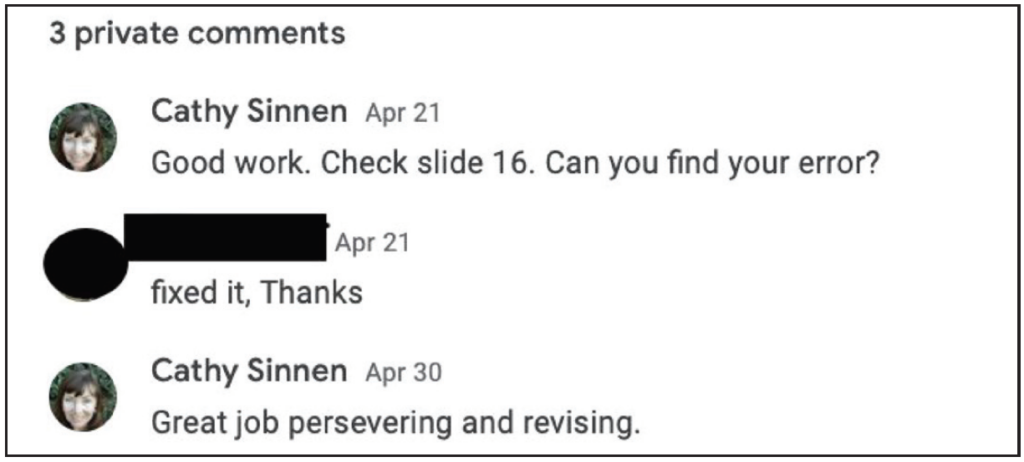
In Google Classroom I posted new assignments or announcements daily and left feedback for each student as a private comment on every assignment. I tried to be as predictable and consistent as possible so that students would check in at least asynchronously every day. It took some time to give specific feedback, but it was worth it. I felt like learning was happening. I tried to focus feedback on the work and also on the effort by giving students encouragement and direction. Google Classroom was easier for me to manage than a full email box with the entire message in the subject line.
When students became more familiar with communicating with me using the private comments in Google Classroom, they even initiated conversations.
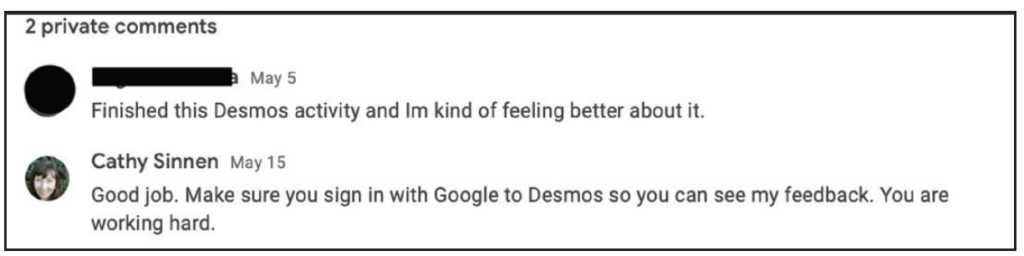
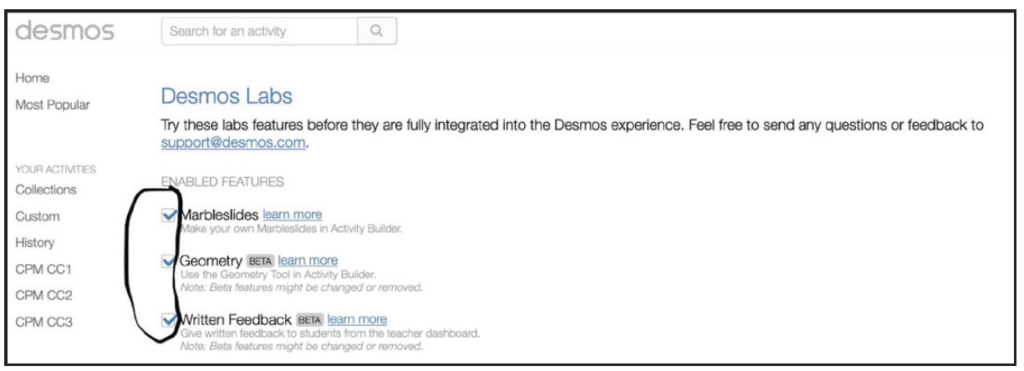
During quarantine, as my students referred to it, I discovered the feedback feature on the Desmos Activity Builder. It is my new favorite thing. You can leave feedback for students that they can read in real time or come back and read later as long as they are logged in to Desmos when they complete the activity. On the teacher side, you need to turn on the written feedback feature at teacher.desmos.com/labs.
The feedback I gave during distance learning was related to the task and often in the form of a question. I tried to encourage revision. The
feedback is visible when students click on the feedback icon at the top of the screen.
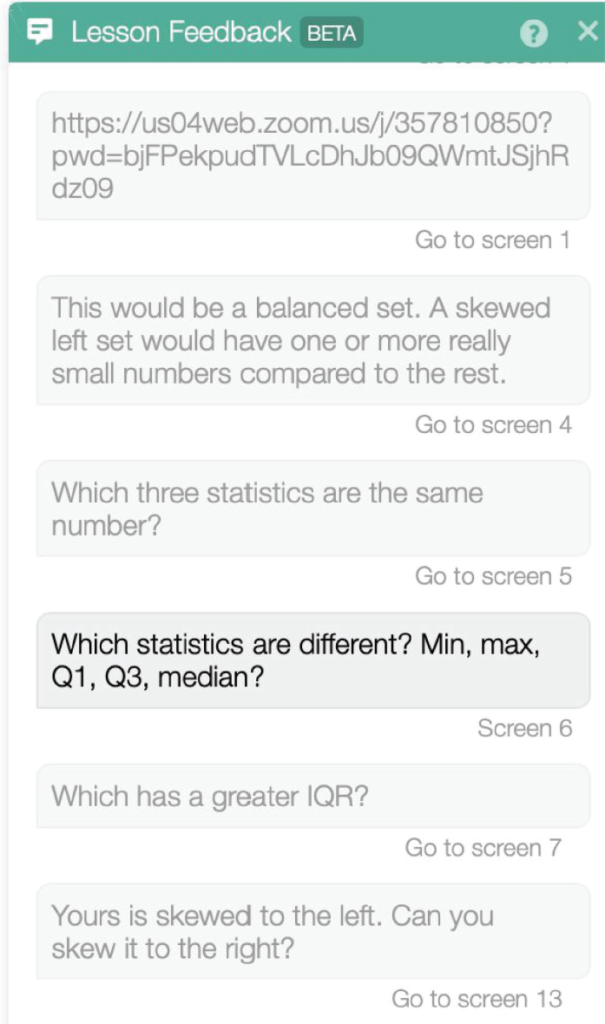
The grayed feedback boxes are links. When my students clicked on the feedback, they were taken to the screen that they needed to revise. I structured time in our school week for students to read feedback and revise their work. Two features I would like to see are the ability to edit the feedback after you send it and a question screen where students could ask a question or make a comment while they are working. My students asked questions or let me know they were stuck by adding a private comment on the assignment post on Google Classroom. I love the Desmos features like snapshot, present, and pause for synchronous learning. The feedback feature has helped me continue the math conversation with students who are not learning with me in real time.
Activity Builder is a fantastic resource for beginners and experts alike. You can launch a CPM-aligned activity for Core Connections, Courses 1–3 or a Desmos-created activity. You can even create your own activity. You can also make a copy of an activity and edit it or add screens from Desmos’ starter screens and distance learning screens. When I surveyed my students they indicated that they preferred to do distance learning lessons with Desmos over other platforms because it is easy to write and draw on the screens. I prefer Desmos because I can give feedback and have a math conversation with my students. Plus, the activities are dynamic. If you want to learn more about Desmos, you can go to learn.desmos.com.
I hope to be able to engage with my students in person again soon and give and receive feedback in real time. If that is not possible, I feel learning can still happen if I keep the feedback going in distance learning.